Discover which LinkedIn campaigns your rivals are running and get notified the moment they publish something new. AdPeekr helps you stay ahead with real-time alerts, a clean dashboard, and no technical setup.
Done!
Receive daily alerts
AdPeekr checks 24/7 for new ads—spy on competitors without lifting a finger.
Most ad spy tools show what has already happened. AdPeekr is built to help you act sooner.
If a competitor launches a new LinkedIn campaign, you want to know as early as possible. That gives you a better chance to adjust your own strategy while the campaign is still fresh.
AdPeekr’s LinkedIn Ads Alerts are a fit for:
Discover your competitors’ strategies with AdPeekr. Our platform helps you stay ahead by getting notified the moment your rivals launch new online ads.
Unlike other ad spy tools that only let you review past ads, AdPeekr gets you notified the moment your competitors publish a new campaign — helping you outpace your rivals.
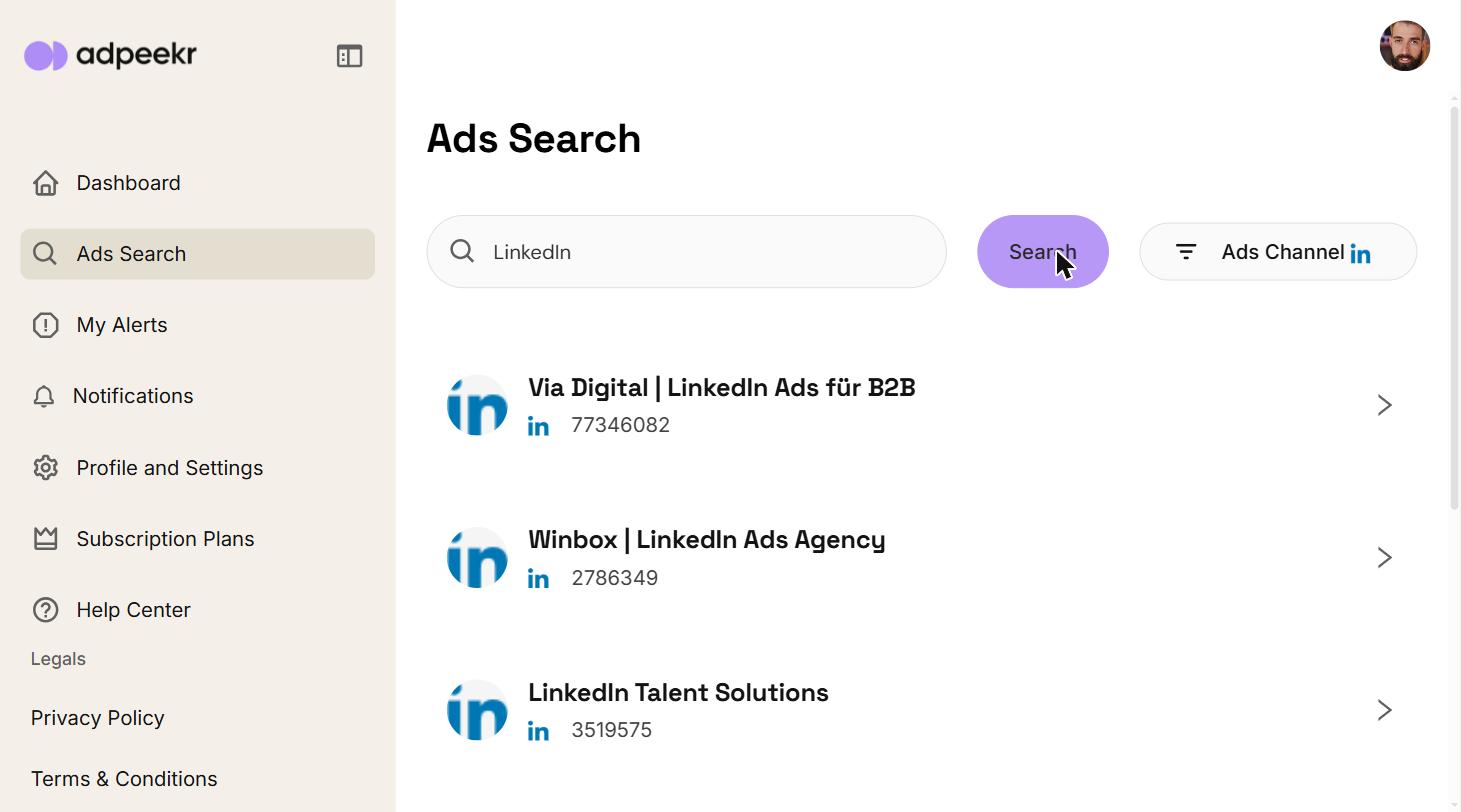
Set up an alert in seconds — no technical setup required..
Built for small teams and agencies, not enterprise budgets. Plans scale with the number of advertisers you track, and yearly billing saves you 20%
New users can try AdPeekr with a 3-month free trial on the Starter plan, including up to 3 advertisers.
Want to see how it works first? You can also book a free, no-obligation demo call with Bas from AdPeekr.
HELP CENTER
Need assistance? Find answers to common questions on how to spy on competitors, get alerted, and track competition
Yes. Depending on your plan, you can follow multiple advertisers and manage them in your dashboard.
No. AdPeekr focuses on alerts for new ads as they are detected. Full explanation on our How It Works page.
No. You can set up alerts in seconds.
Yes. Yearly billing gives you a 20% discount. Check our plans.
From your dashboard, search for any advertiser. Click “Subscribe” next to their name. That’s it—AdPeekr takes care of the rest. Learn more on How It Works.
Check your spam/junk folder. Confirm you’re subscribed to the correct advertiser—view settings under Account Settings. For further assistance, contact us via email at support@adpeekr.com.
Yes! In your Profile & Settings, you can choose to get alerts instantly (real-time), daily, or weekly. You can also set the exact time and day for notifications, or turn email alerts off completely and view all updates directly in your dashboard.